TikTok · Instagram · Facebook · YouTube
Publish your brand's videos to four networks from one dashboard.
The Matrix by Ionova connects the accounts your team already manages, keeps each post and its settings in one place, and sends nothing until someone confirms it.
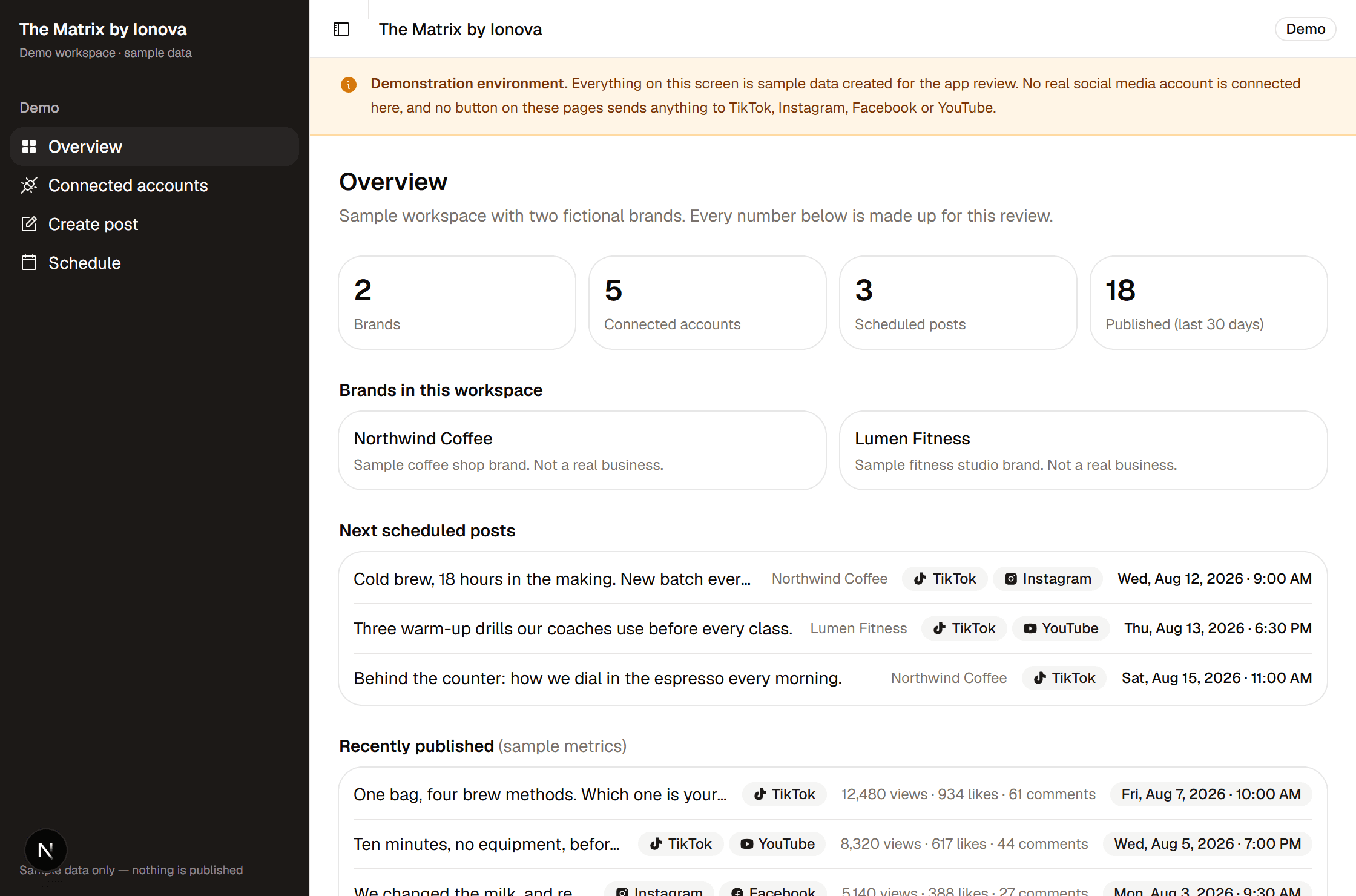
01 — Connect
Every account is authorized on the network's own screen.
You sign in to the network, not to us. The connection is made on that platform's authorization page, and it can be removed from the dashboard, or from the network itself, at any time. We never ask for your social media password.
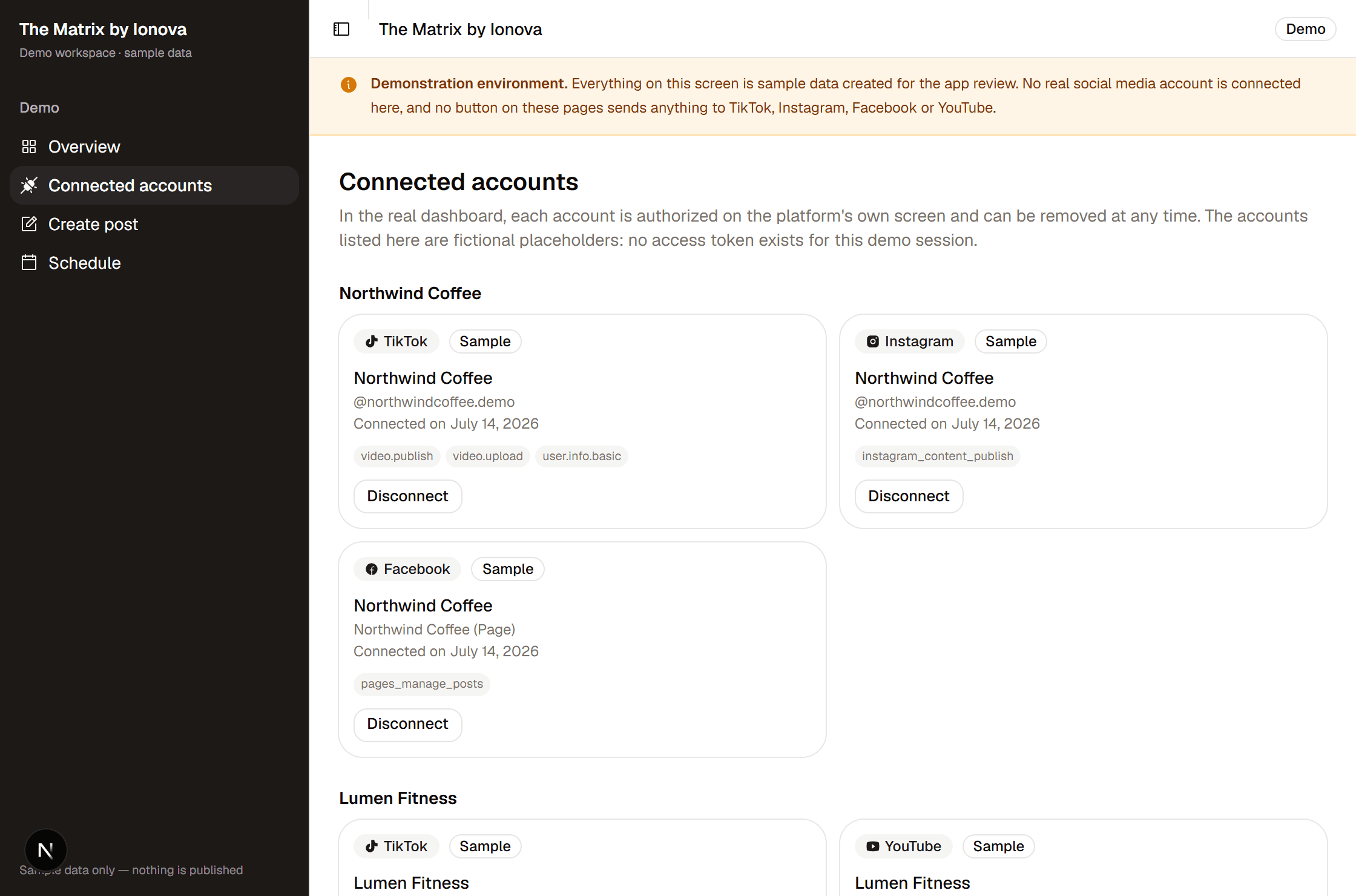
What each connection asks for
- TikTok
video.publishvideo.uploaduser.info.basic- Post a video, or send it to the account's drafts, and read the account name.
instagram_content_publishinstagram_basic- Publish to a professional Instagram account linked to a Facebook Page.
pages_manage_postspages_show_listpages_read_engagementbusiness_management- Publish to a Facebook Page your team administers.
- YouTube
youtube.uploadyoutube.readonly- Upload a video to your own YouTube channel.
These are the exact permissions requested during authorization. Access tokens are read only on the server, when a post has to be sent; they are never exposed in the interface.
02 — Prepare and publish
Nothing goes out until someone confirms it.
- 01
Write the post
Upload the video and write the caption once, then choose which of the connected accounts it goes to.
- 02
Set the options each network requires
Every network has its own rules. The dashboard asks the platform what that account allows and offers only those options.
- 03
Publish now, or schedule it
Send it immediately, or pick a date and time and let the queue send it. A finished post can also wait for approval before anyone sends it.
Scheduled and published posts stay on one calendar per brand. Views, likes and comments are the ones each platform's API reports for your own posts.
03 — TikTok
TikTok, in detail
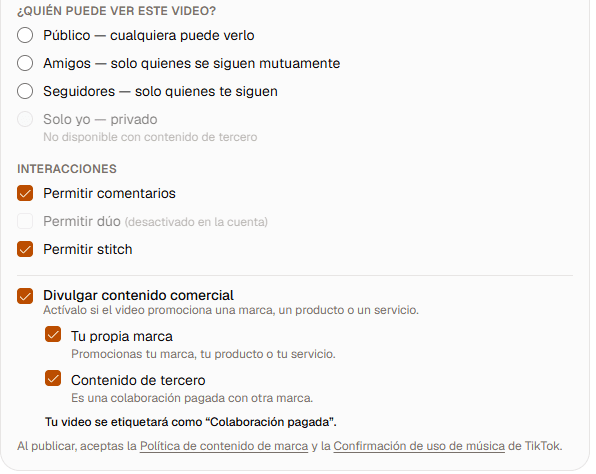
TikTok has its own rules for what an app may post on your behalf. The dashboard asks TikTok what your account allows, and offers the two routes the account is authorized for.
Post directly to TikTok
The video goes straight to your TikTok account, with the audience and interaction settings you chose.
Send it to your TikTok drafts
The video lands in the drafts of the TikTok app, so you can finish it there and post it yourself.
- Who can see the video, limited to what the account actually allows.
- Comments, Duet and Stitch, each offered only if the account permits it.
- Commercial content disclosure, for your own brand or for a paid partnership.
Access
Who it is for
Companies and content teams that manage social accounts they own, or accounts they have been expressly authorized to operate.
- Access is granted one team at a time
- IONOVA DIGITAL ENGINEERING LLC enables each account individually. There is no automatic sign-up on this page.
- One team, several brands
- A team can manage several brands, each with its own connected accounts and its own calendar.
- Publishing is always an explicit action
- Nothing is published without an action from a signed-in user, or from a schedule that user set.